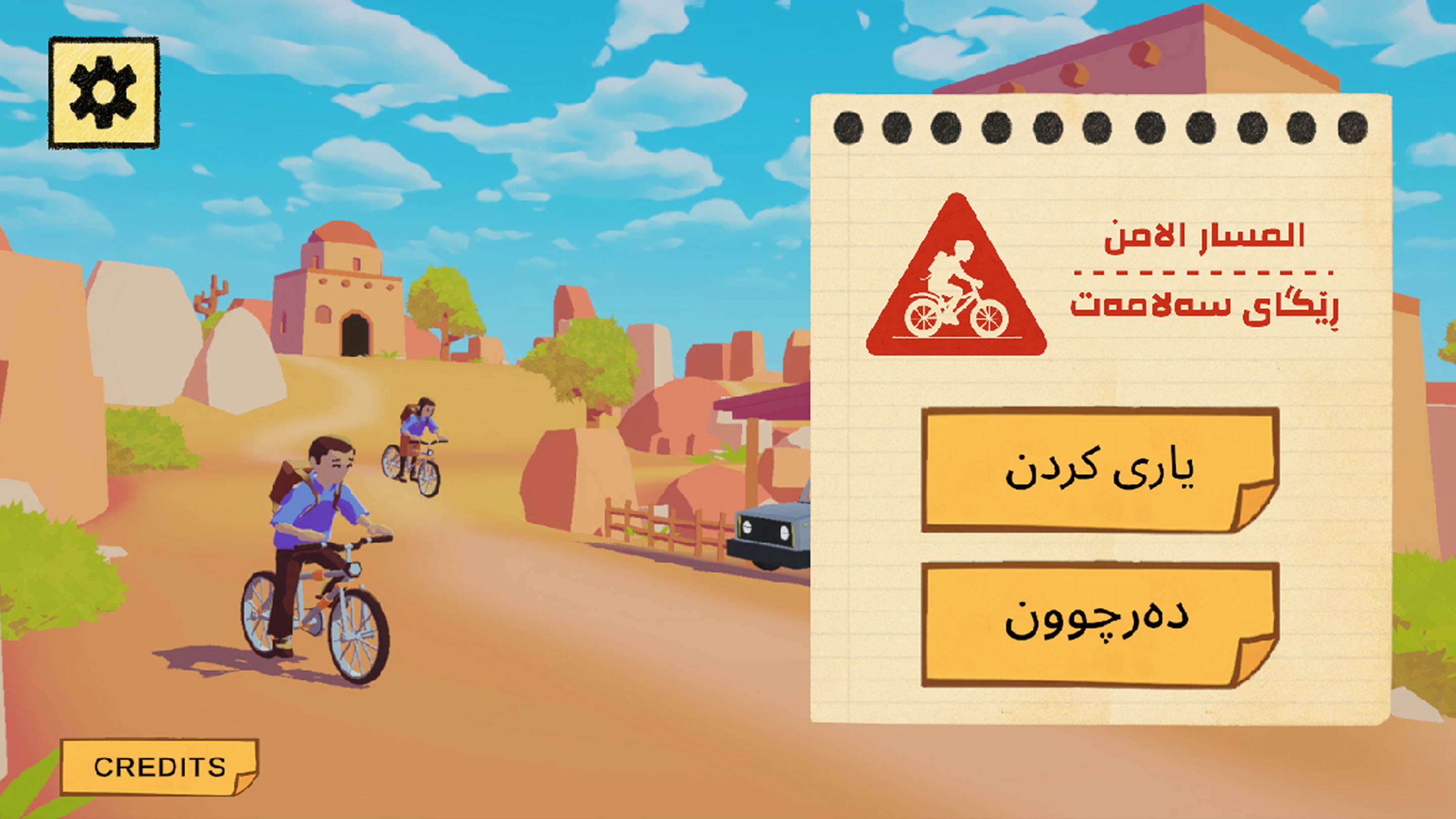
Alan and I began development in June 2025 and wrapped up in December 2025. The app currently has over 5000 downloads on the Google Play store. The game is only available in Kurdish and Arabic; "Safety Road" is just an approximate english translation of the game's native title: ڕێگای سەلامەت-المسار الآمن
My roles in this project were level design, AI/environment interactions, and player controls. I initially struggled with language barriers and cultural differences, but in the end, I think this ended up being a very positive project for my career. I hope that this game is able to convey the dangers of UXO and the importance of following standard safety procedures.
Level design
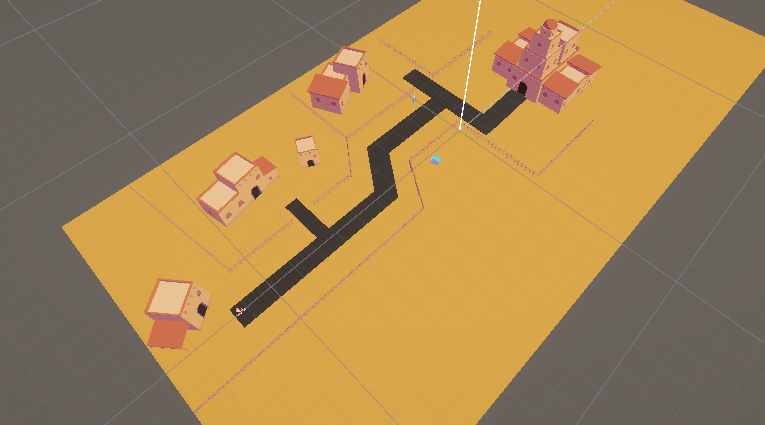
I was in charge of designing the environments that players navigate in this game. The process of developing a Safety Road scenario involved the following steps:
- Sketch a draft of the paths the player will follow.
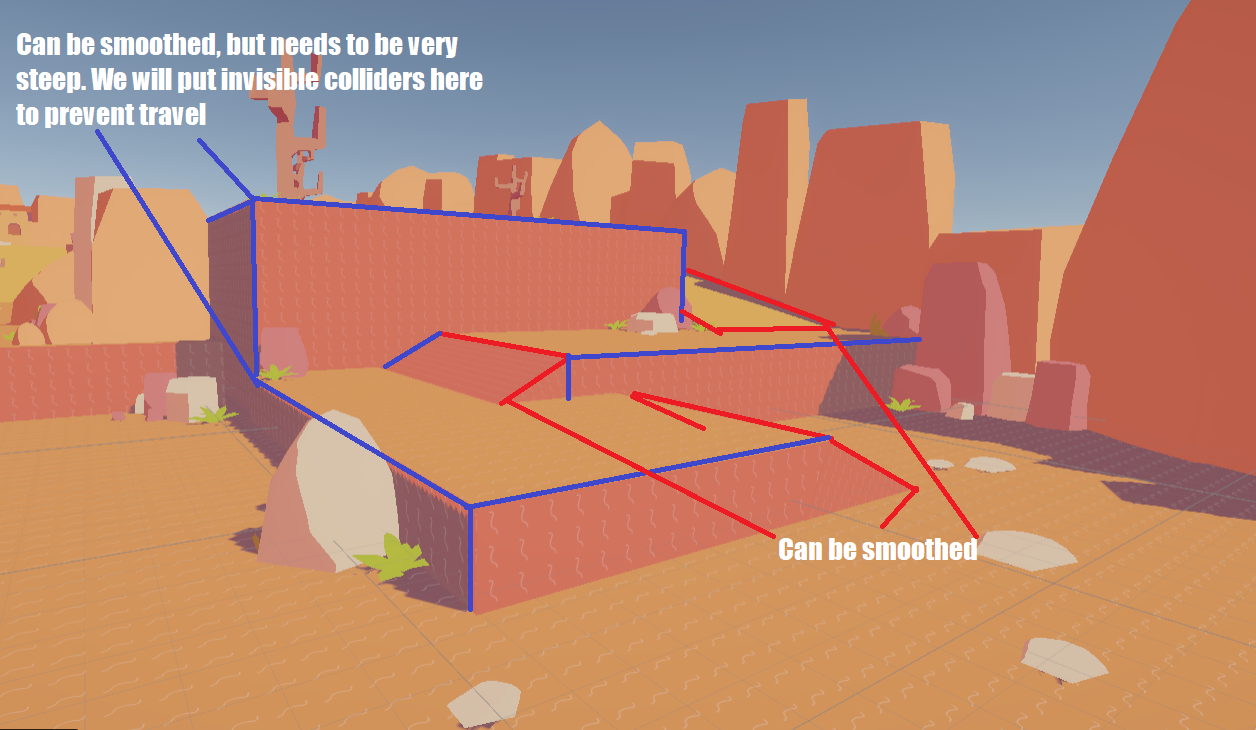
- Create a rough approximation of the environment with basic shapes. This is typically referred to as the block-out phase. I would supply Alan with this map, along with some notes on areas that needed to be smoothed out.
- Alan would create a map file and a folder full of art assets to use as decoration.
- I would decorate the environment with houses, trees, rocks, NPCs, cars. This is also when we would place the UXO would be placed in the level.
- Alan and I test the level, clean up any bugs or odd camera behavior.
- Alan submits the level to the project manager at MAG, who would provide us with feedback.
When creating these environments, there were a few rules goals I kept in mind: maintaining visual clarity, convey the danger of UXO, and providing guidance to the player. I tried to achieve visual clarity by always making the end goal (usually a school building) visible from the start of the level. Other objects in the environement would be placed so that they wouldn't block line of sight with either the end goal or the UXO.
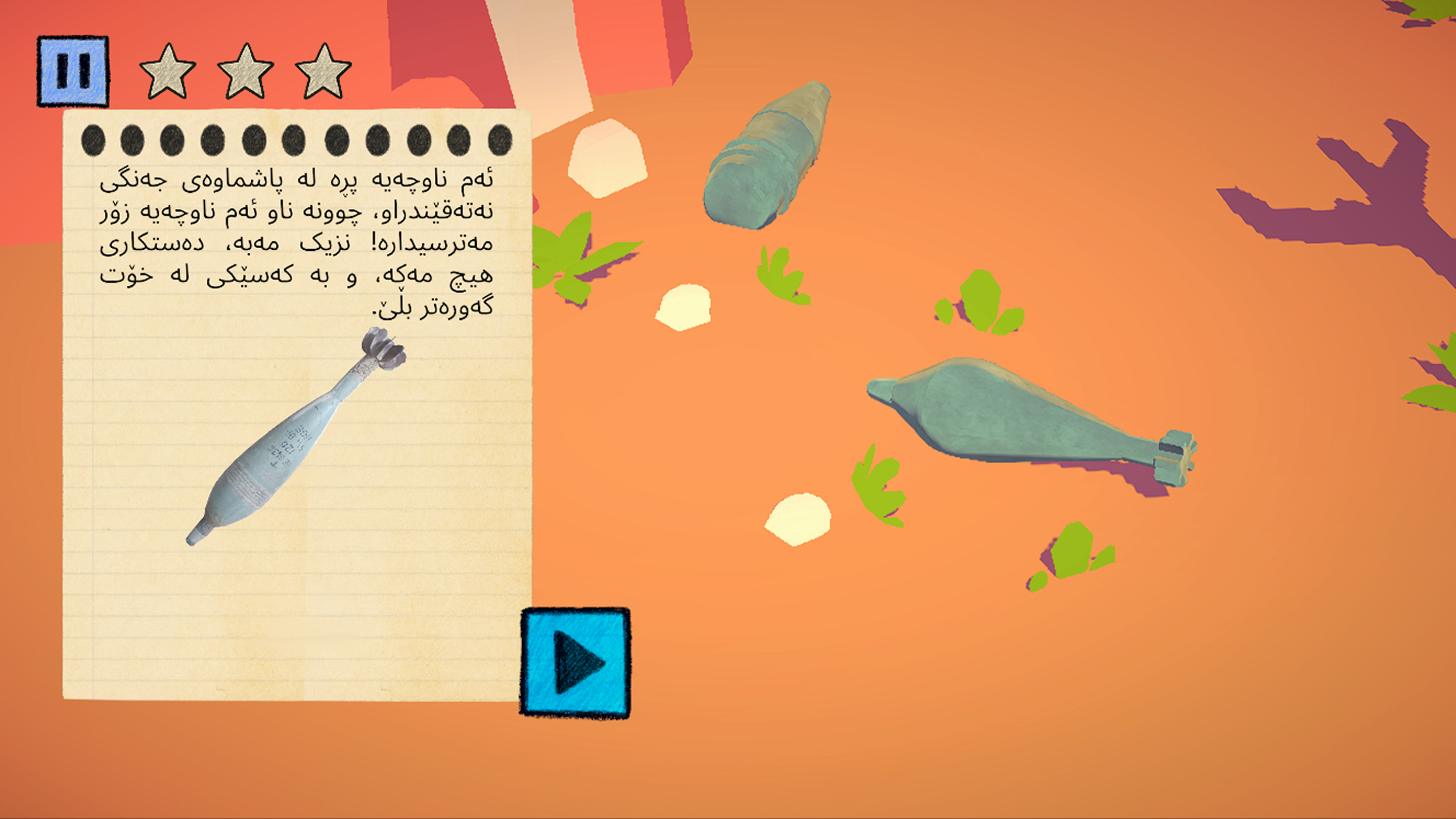
Players were provided with ample warning when approacing UXO. MAG provided us with real life examples of UXO in residential areas, so I tried to replicate the warning signs that citizens may encounter: areas blocked off with tape, half-buried explosive shells, abandoned houses with mysterious objects litering the ground, ect. Not only does this improve the visual clarity of the level's hazards, it also teaches players about what to avoid outside of the game.
To keep the players on track, I would strategically place decorations so that they would guide the player's eyes towards the goal. In scenario 3, the tree blocking the path may point in the direction of another path the player can take. The other path would be decorated with brightly colored bushes to naturally guide the player's attention.
To test the efficacy of my level design, I would have my english speaking friends attempt to complete these scenarios. Despite all of the dialog being in a foreign language, my friends were still able to understand the severity of UXO, reach the end goal, and answer the quiz questions correctly (or at least the questions with images.)
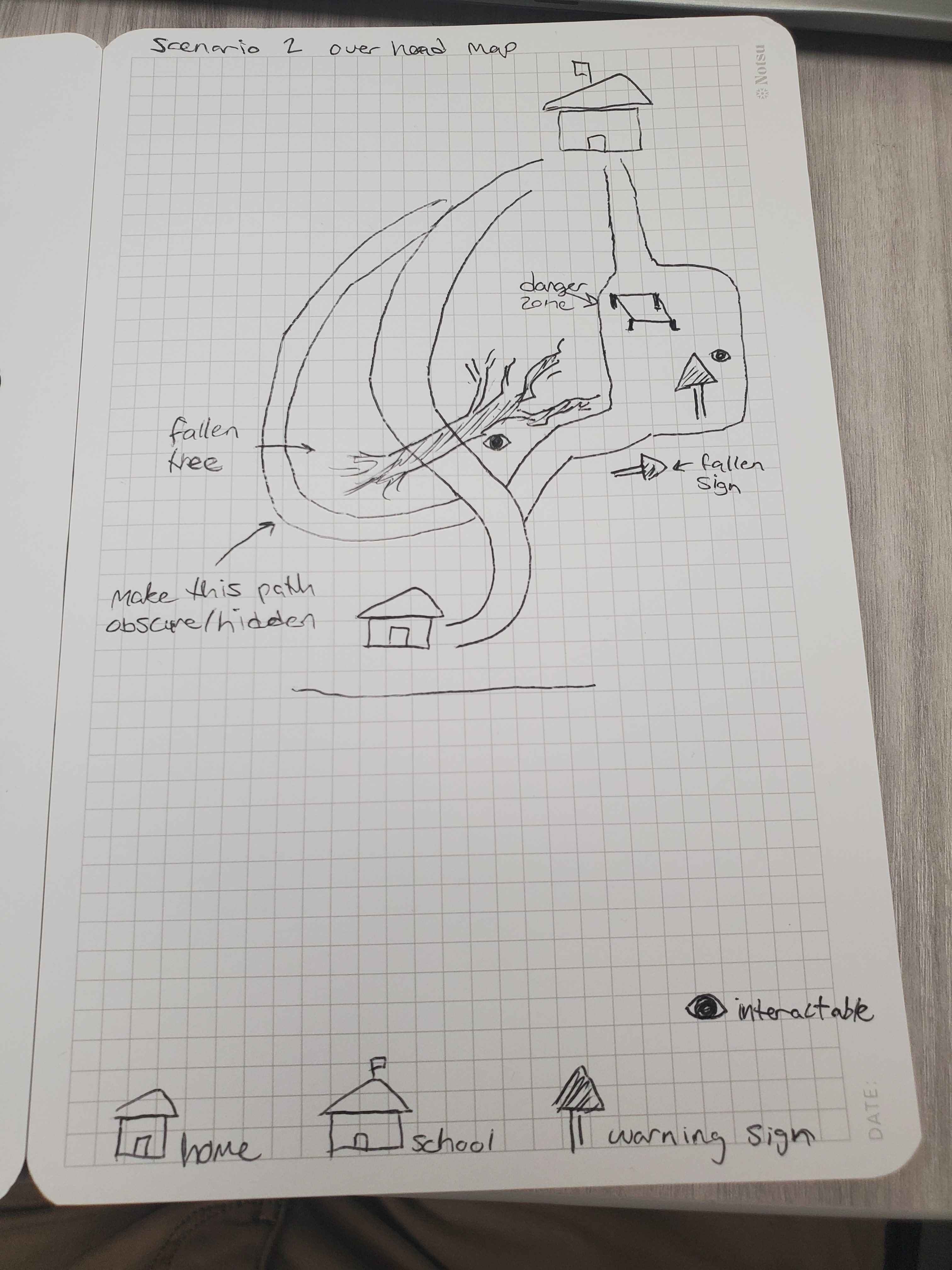
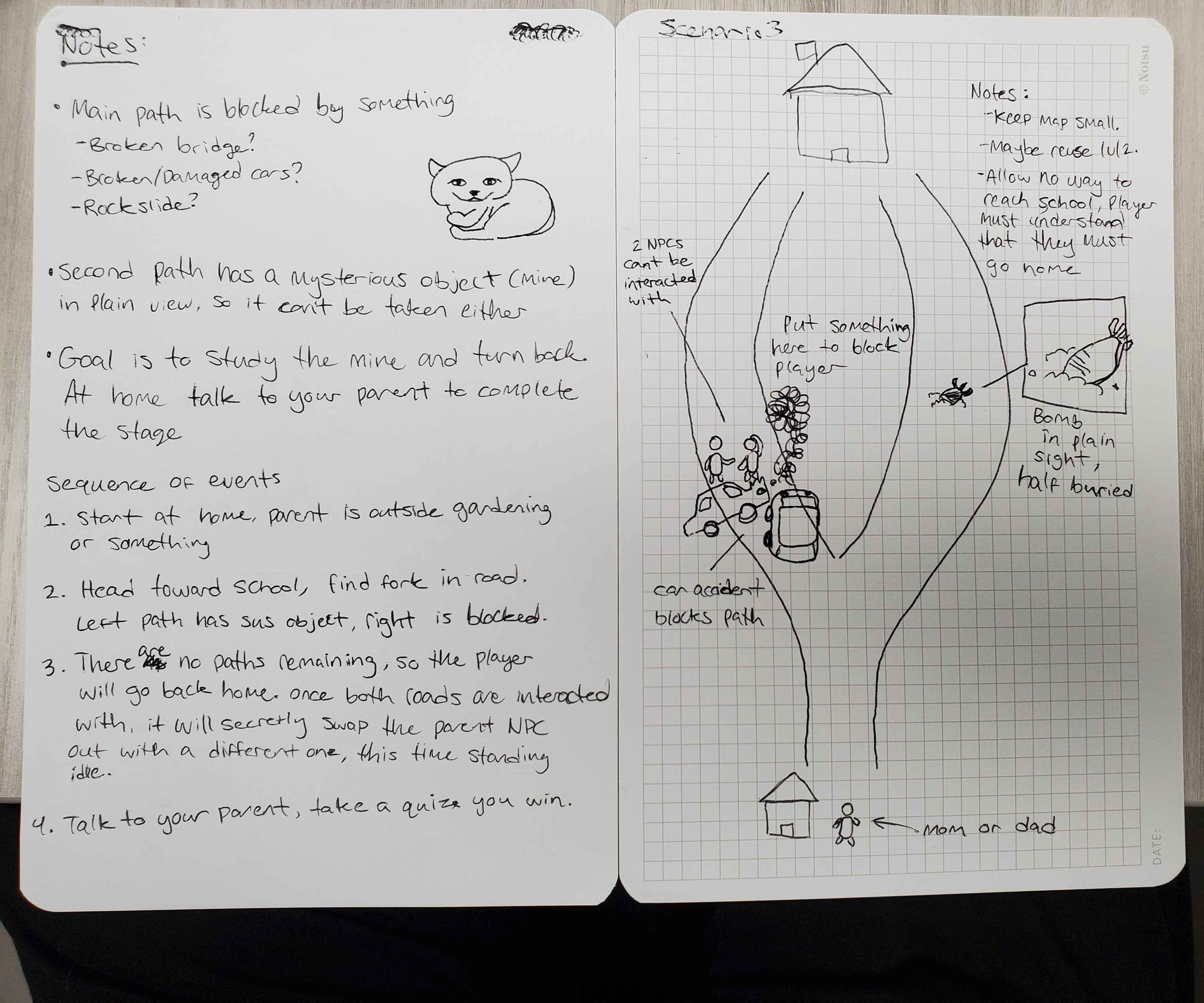
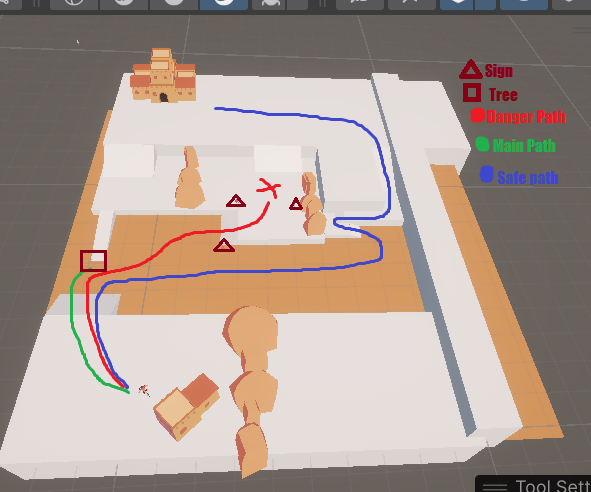
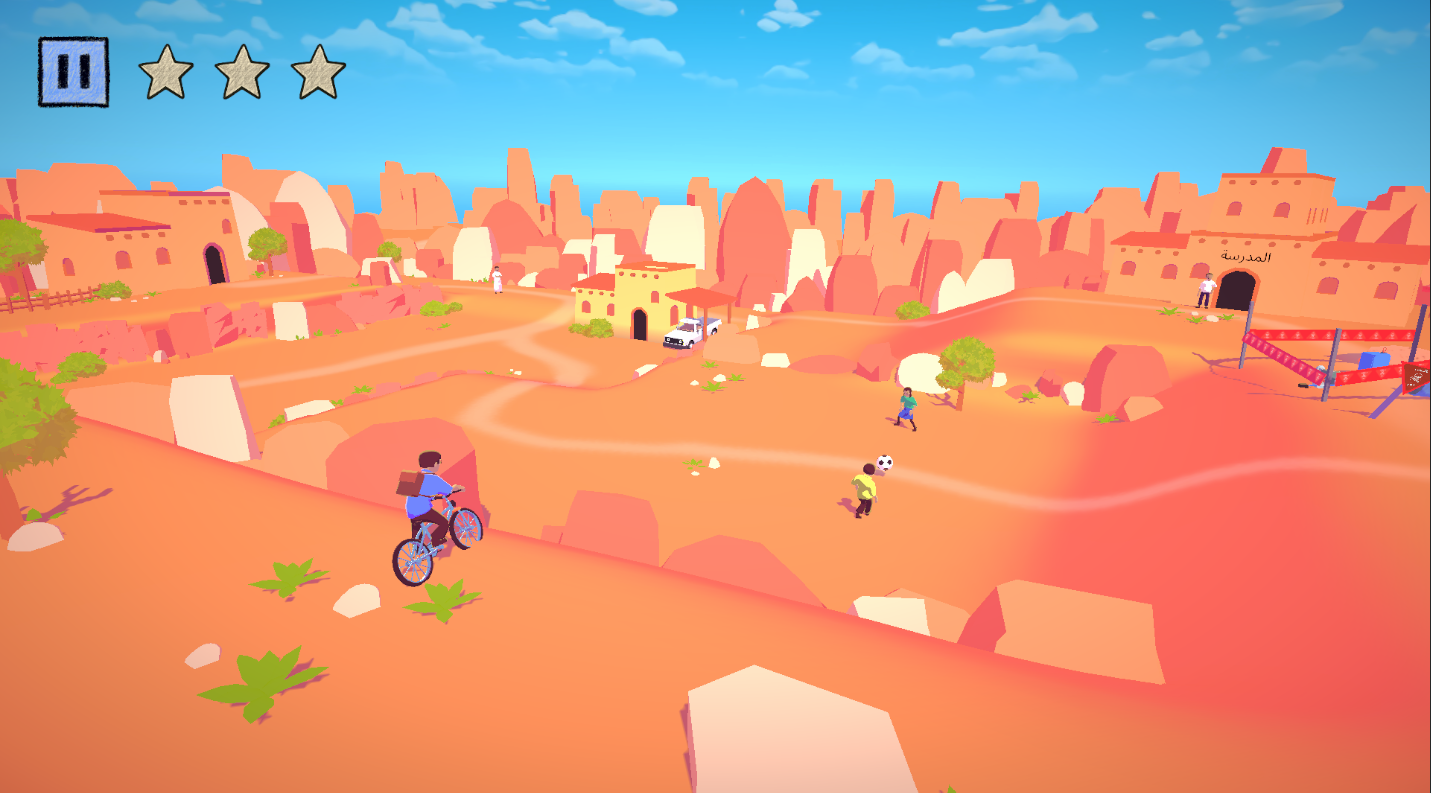
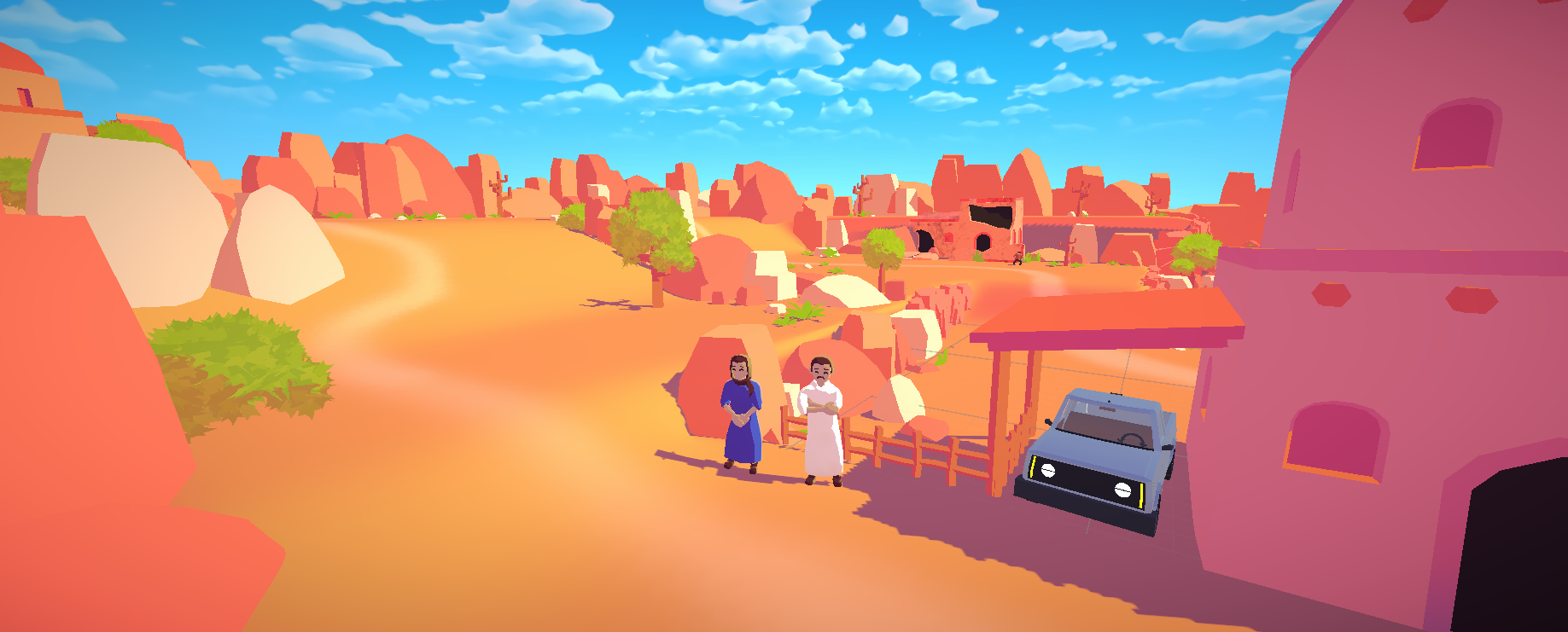
Being the only American on the team, I initially struggled to design environments that would be familiar to those living in the Middle East. Early concepts were rejected for looking "too American," with tightly packed houses and fenced-in yards. I had to research residential areas in Iraq, particularly lower class neighborhoods, as these are at higher risk of harboring UXO. Adjusting my approach, I spread the homes further apart, created unpaved roads with more twists and turns, the littered the ground with small stones and bushes.
AI and Environment interactions
When encountering UXO in the wild, it should immediately be reported to an adult or a professional. That means we needed to add people to our game! I was tasked with programming and animating interactions with AI controlled characters and adding them to our environment. I threw together some idle and speaking animations, a simple dialog system, and tied it all together with a dynamic camera system. It worked well enough, but it proved to be difficult and time-consuming to work with.
I iterated on this system by creating tools that allowed Alan and I to easily implement new dialog and animations from the Unity editor. No need to open Visual Studio anymore! I also added the ability to swap out character behavior during runtime, which let us give the characters more complex dialog sequences. For example, a pair of boys in scenario 6 kick a soccer ball back and forth. The boys initially ignore the player, but once the player has spoken with their father on the opposite side of the map, they will engage the player in conversation and return to their father. This AI system vastly improved the realism and personality of our game as a whole.
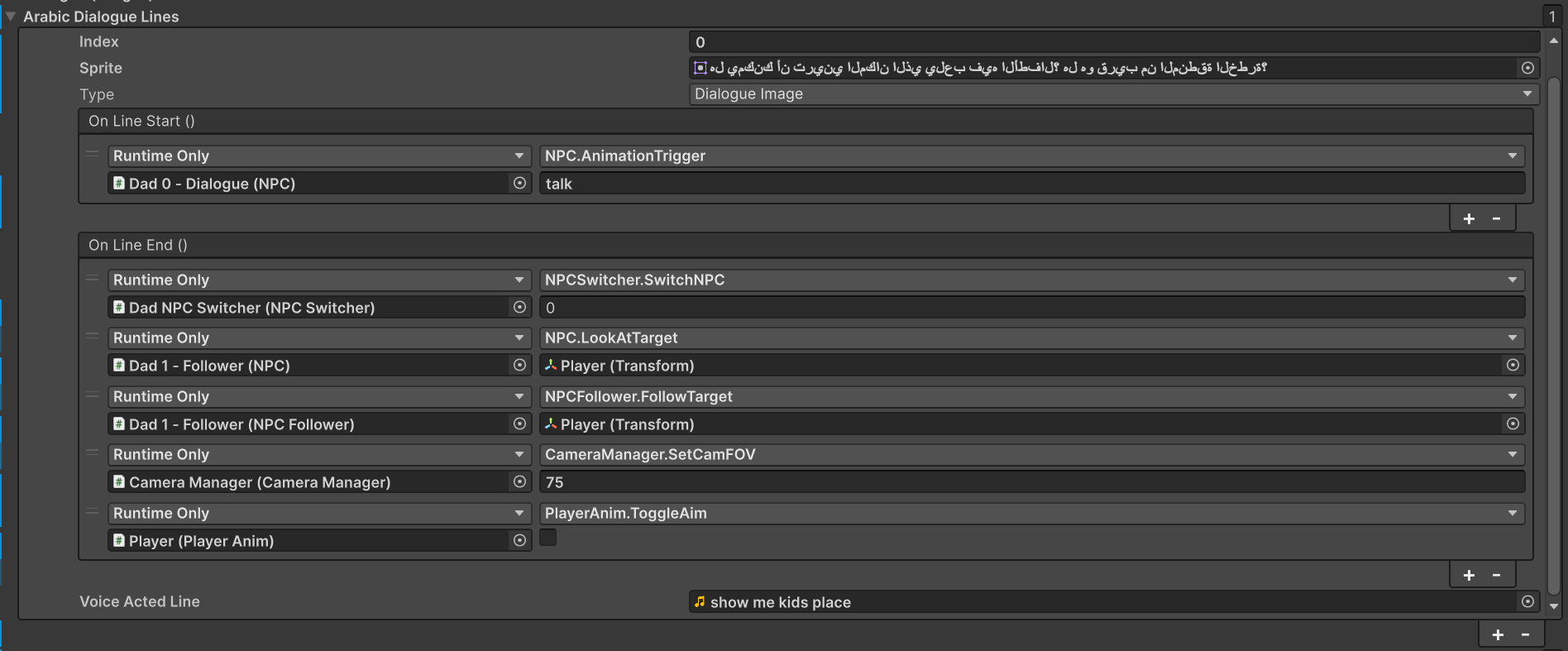
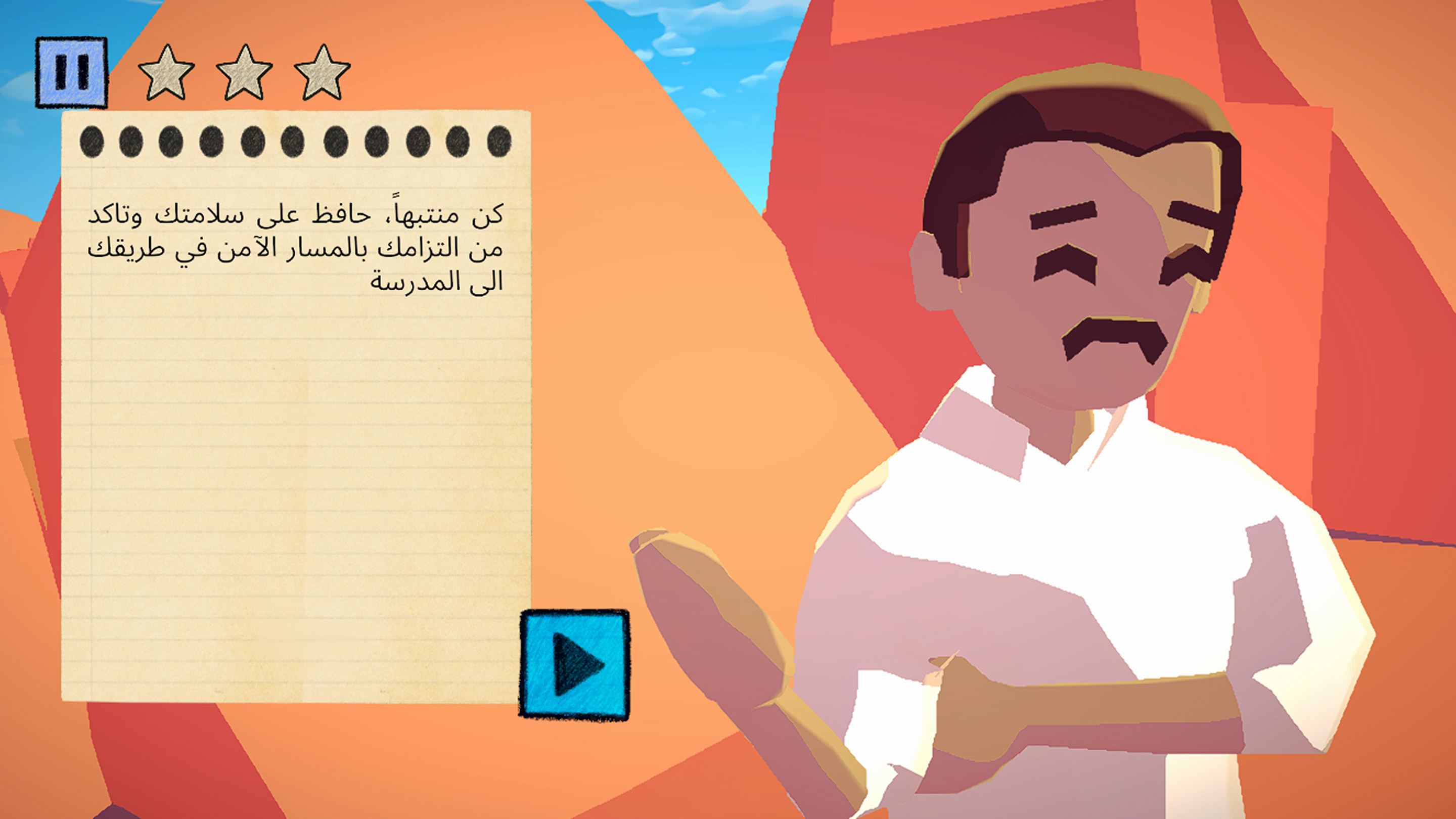
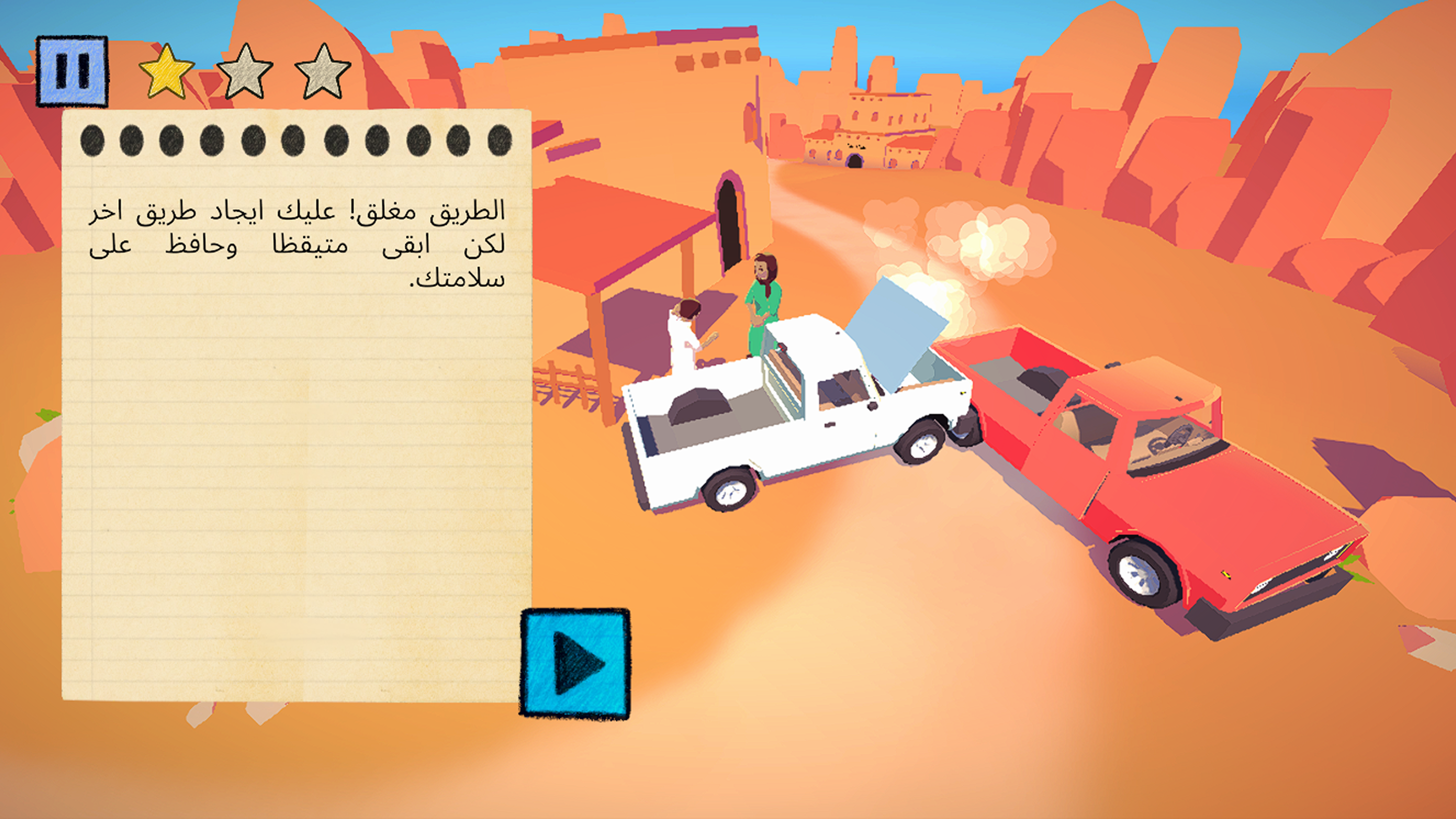
This system wasn't limited to just characters however, it was open-ended enough to also be used for interactions with the environment and UXO. Simply set up a camera angle, enter some dialog to display, assign the object to be interact with, and the system does the rest to work. Having all interactions be controlled by a single tool saved us a ton of time that would otherwise be spent writing custom scripts.
Player Controls
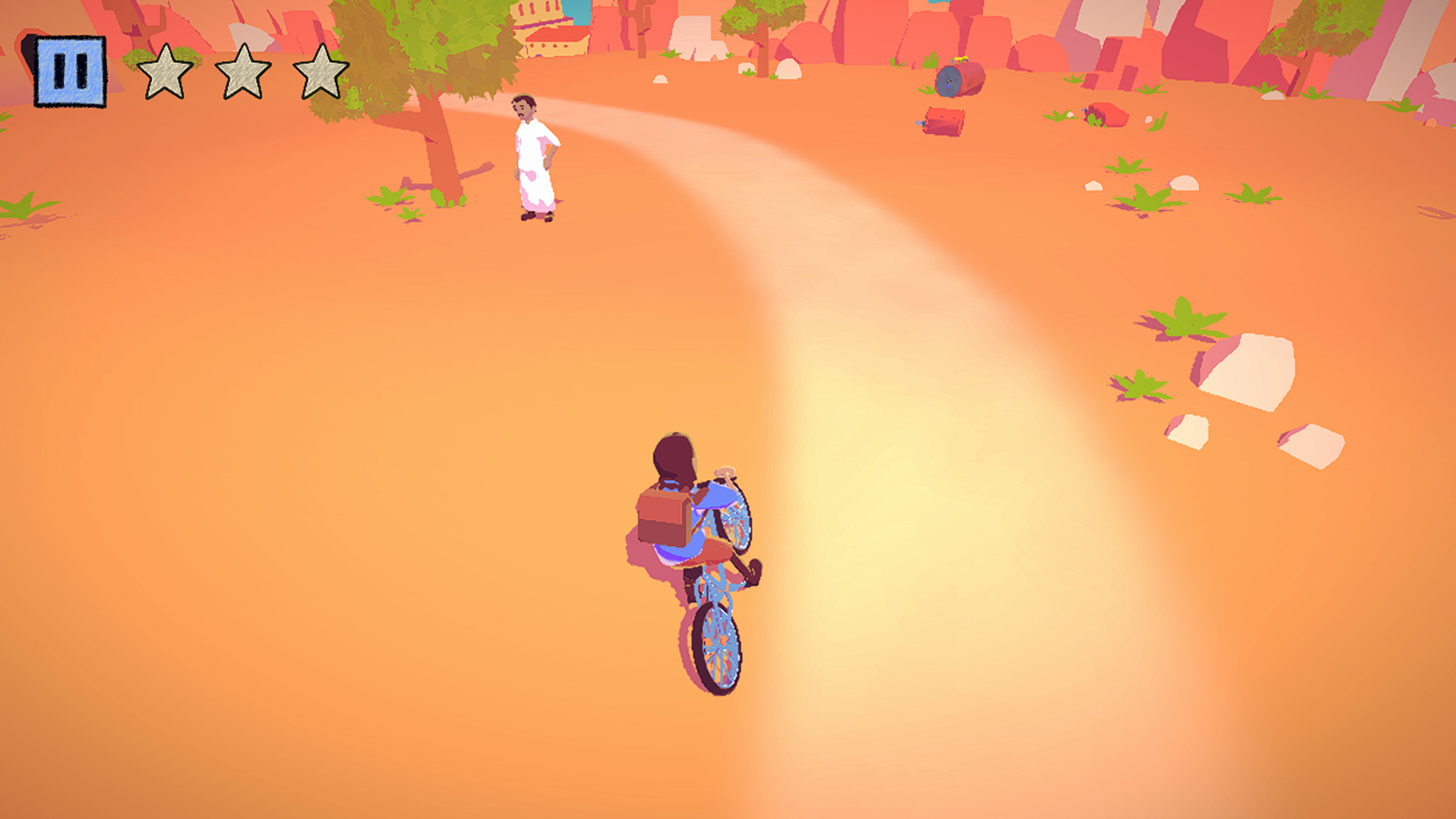
When brainstorming early concepts for the gameplay, Alan and I toyed with the idea of a game where the player rides a bike from location to location, repairing their bike and finding upgraded parts. We ended up dropping the repair/upgrade system, but the bike riding gameplay stuck.
My first iteration of the player controls were very simple, just move the joystick in the direction you want to go. However, bikes don't work that way in real life, you can't just turn on a dime. I iterated on this by making the bike accelerate in a straight line in the direction of the joystick. Turning the bike required the player to start moving first, it could no longer just turn in place. This better achieved the feeling of riding a real bike.
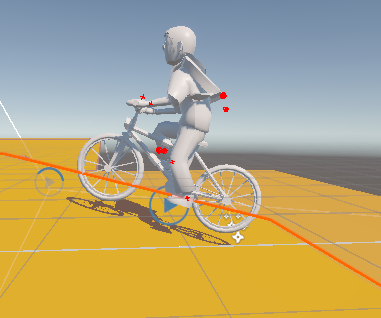
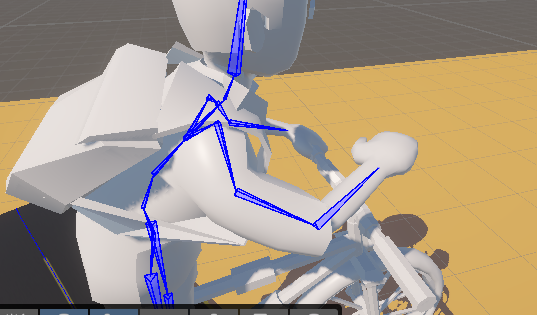
Ratslayer's complicated animation systems for locomotion, abilities, and weapons were a major headache, so I wanted to keep things simple for this project. Using Unity's Animation Rigging package, I was able to set up procedural animations for the player riding his bike!
I only needed to create two simple loops by hand: cycling and resting. The cycling animation was just a simple loop of the character's torso leaning forward and breathing. The bike's pedals would spin as the bike moved, so I used inverse kinematics to connect the player's feet to the pedals and hands to the handlebars. When the bike comes to a stop, inverse kinematics on the pedals were turned off, and the player would place one foot on the ground for balance. I also created systems for the bike to match the angle of the ground below it and for the bike to lean into turns. With all of these systems working together, the bike and player character moved in a very believable and satisfying way.
Links
Back to Projects